
Cut Out Text Overlay Effect
8
Views
11
Downloads

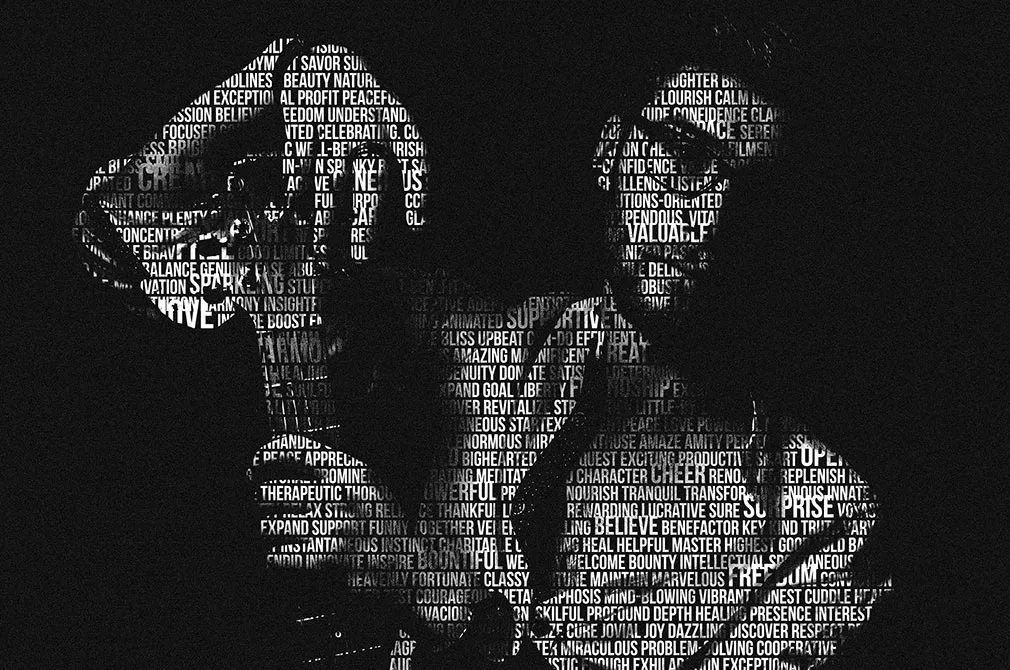
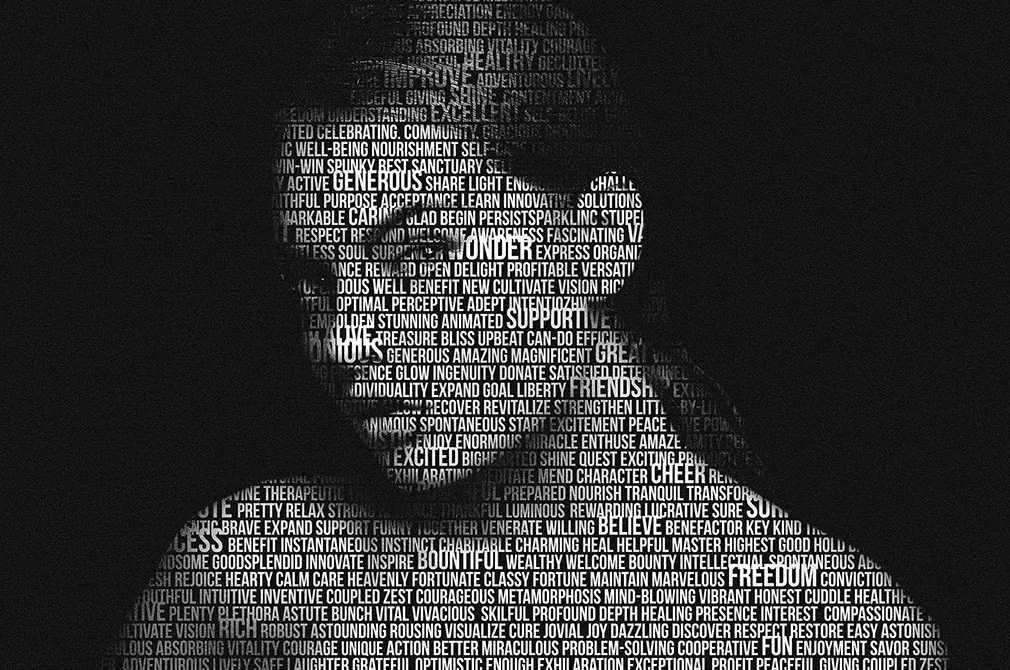
The Cut Out Text Overlay Effect allows you to effortlessly combine typography with visuals and images, creating striking designs with minimal effort. This tool is perfect for enhancing your social media posts, website banners, and advertising billboards, giving them a unique and professional look.
You don’t need any special skills or a large budget to use this effect. Simply open the file in Photoshop, make your adjustments, and save your work. It’s a quick and easy way to elevate your visual content and stand out from the competition. Download it today to start transforming your designs.
Related Mockups
Stranger Things Text Style
by
in
Text Effects
Golden Text Effect / Logo Mockup
by
in
Gold Text Effects
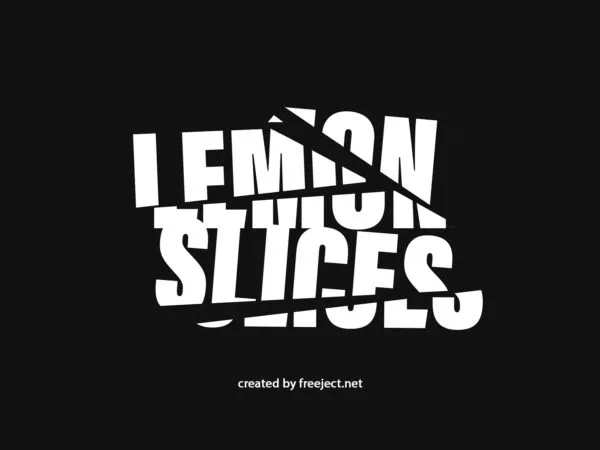
Minimal Slice Text Effect
by
in
Text Effects
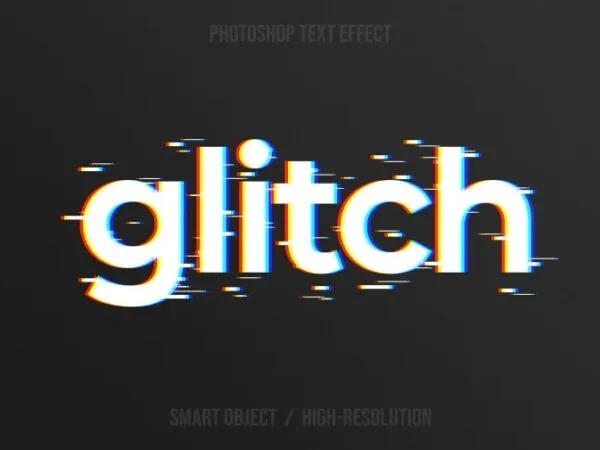
Simple Glitch Text Effect
by
in
Text Effects
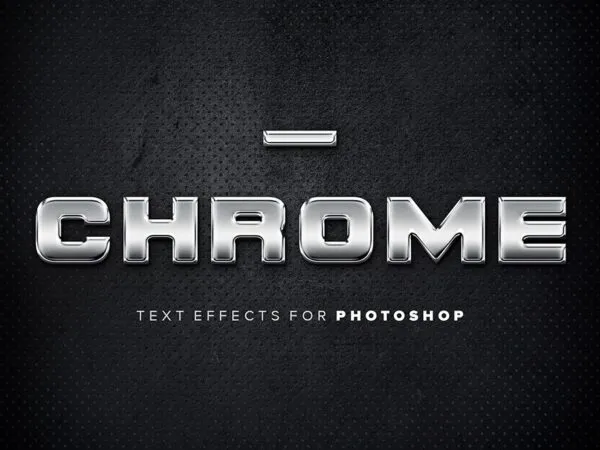
5 Simple Chrome Text Effects
by
in
Text Effects
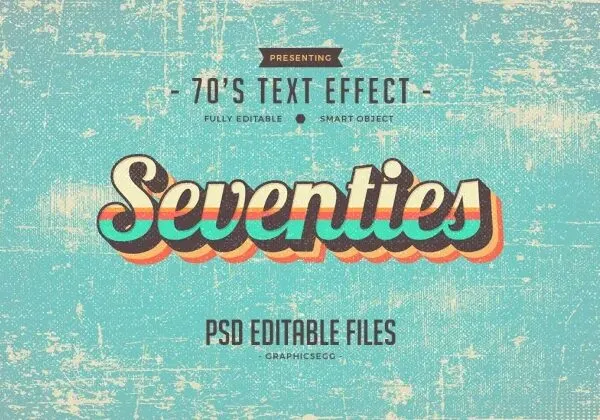
Seventies Style Text Effect
by
in
Text Effects
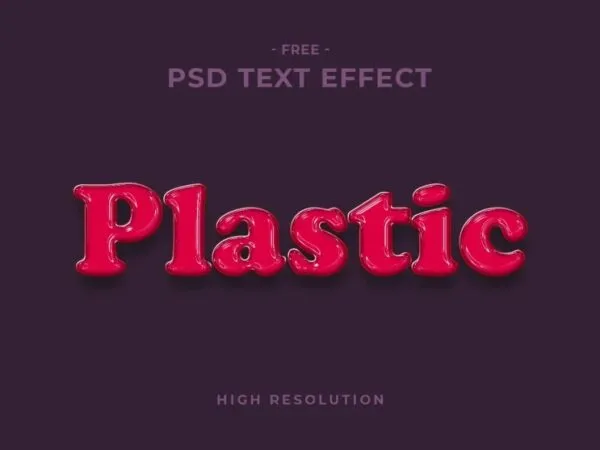
Plastic Text Effect
by
in
Text Effects
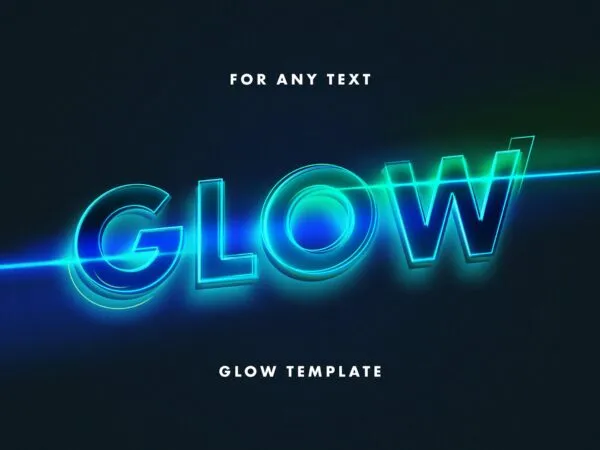
Neon Lettering Text Effect
by
in
Text Effects
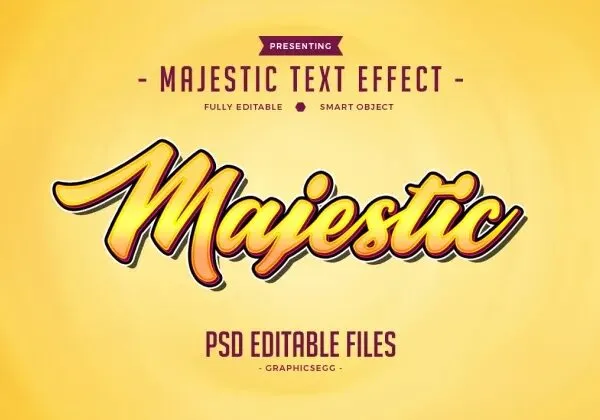
Majestic Text Effect
by
in
Text Effects
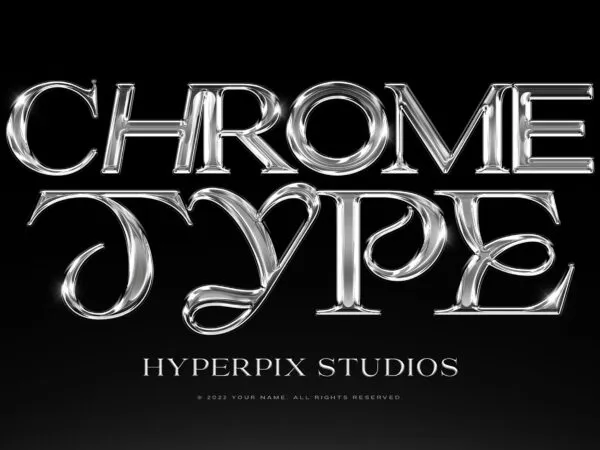
Hyperpix Chrome Text Effect
by
in
Text Effects
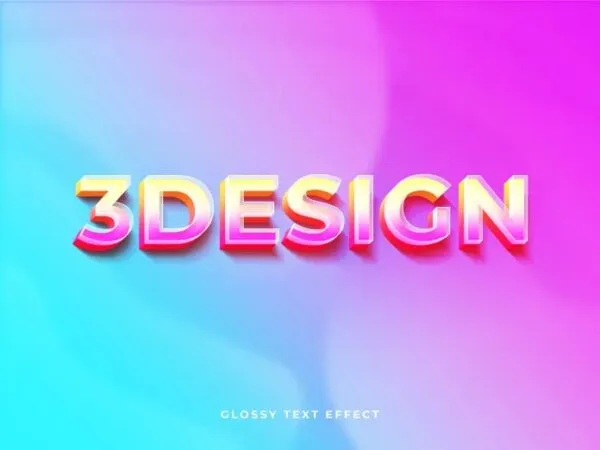
Glossy 3D Logo / Text Effect
by
in
Text Effects

Glitter Gold Text Effect
by
in
Text Effects

Epic Cinematic Text Effect
by
in
Text Effects
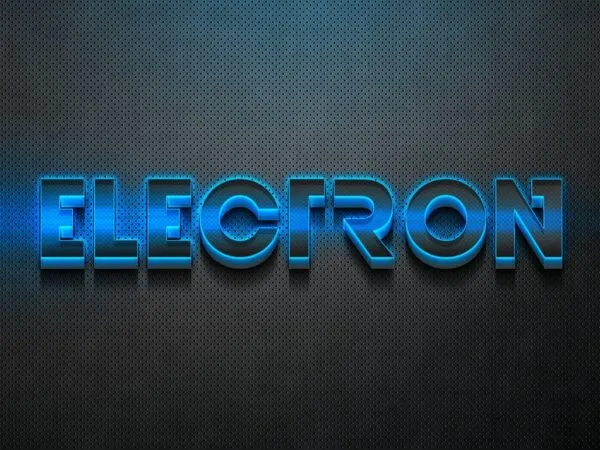
Electro 3D Text Effect
by
in
Text Effects
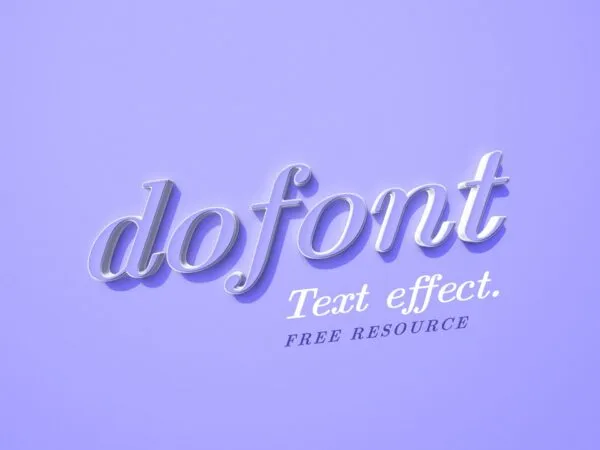
Minimal Purple Text Effect
by
in
Text Effects
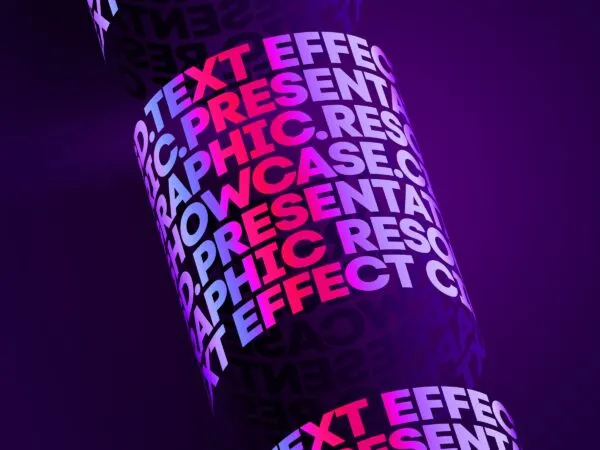
Cylindric Text Effect
by
in
Text Effects
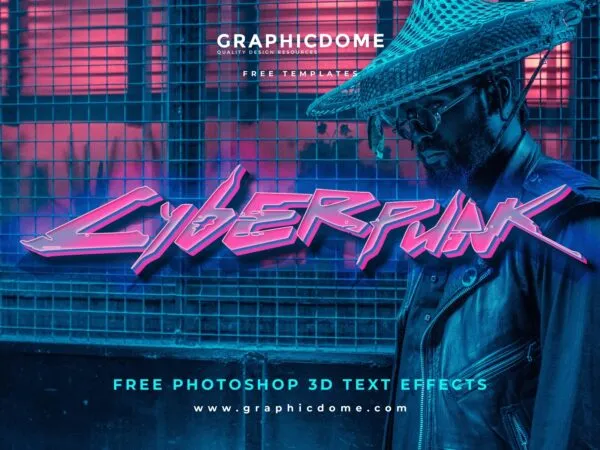
Cyberpunk Text Effect
by
in
Text Effects
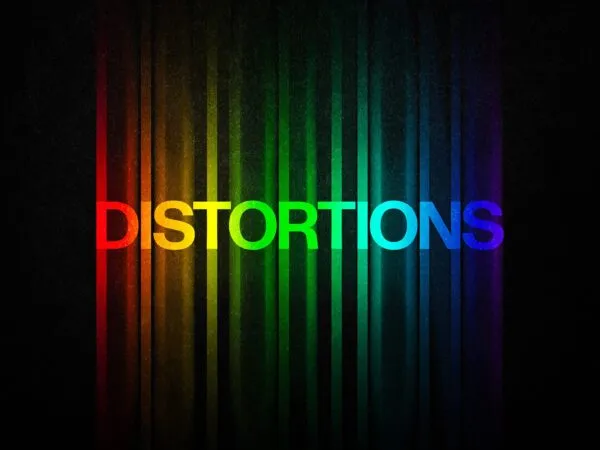
Color Distortion Text Effect
by
in
Text Effects
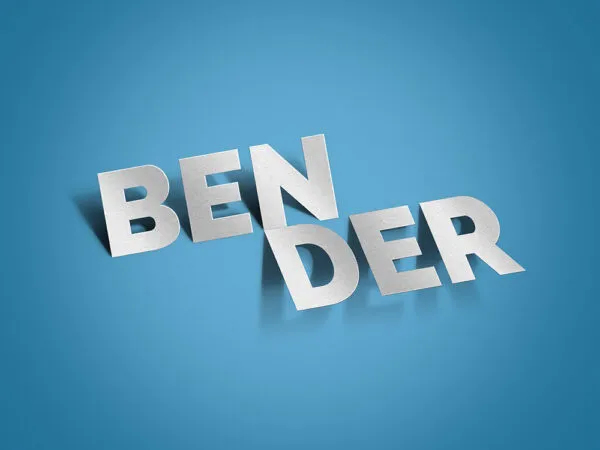
Bender Text Effect
by
in
Text Effects

Abstract Chrome Text Effect
by
in
Text Effects
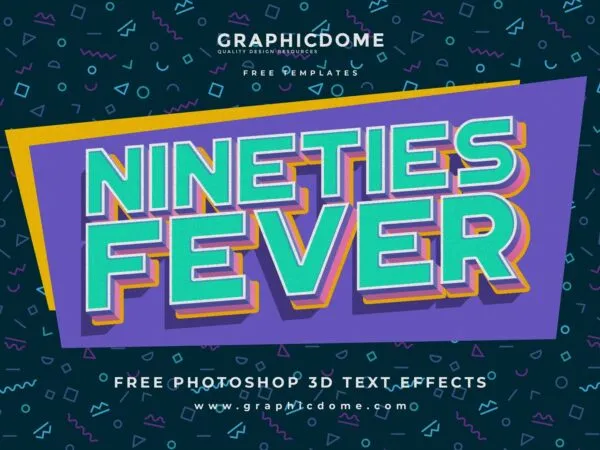
90s Text Effect
by
in
Text Effects
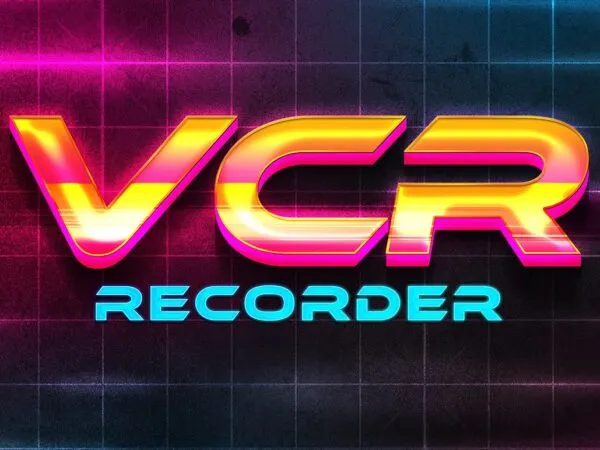
80s Synthwave Retro Text Effect
by
in
Text Effects
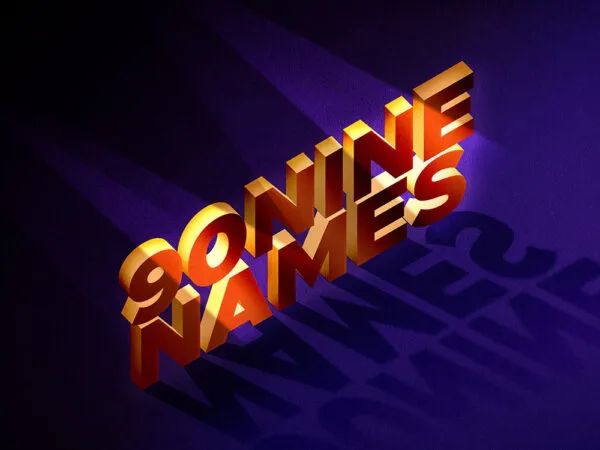
3D Isometric Text Effect
by
in
Text Effects
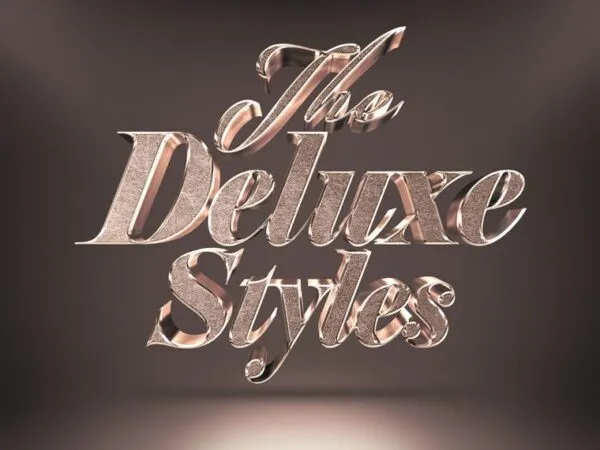
3D Bronze Text Effect
by
in
Text Effects